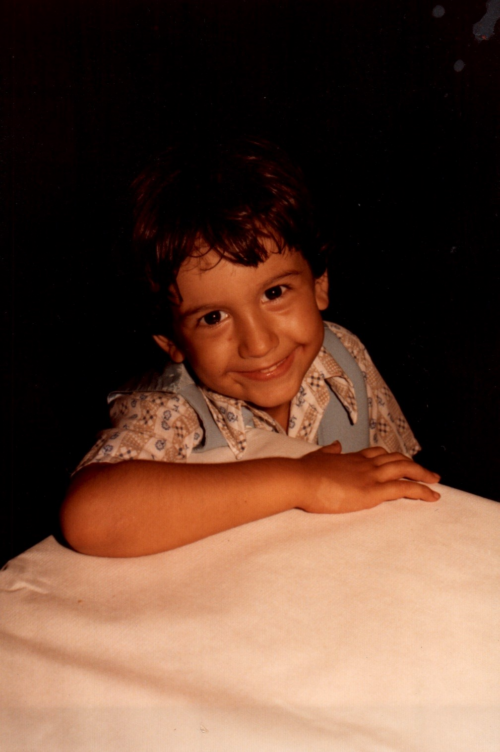
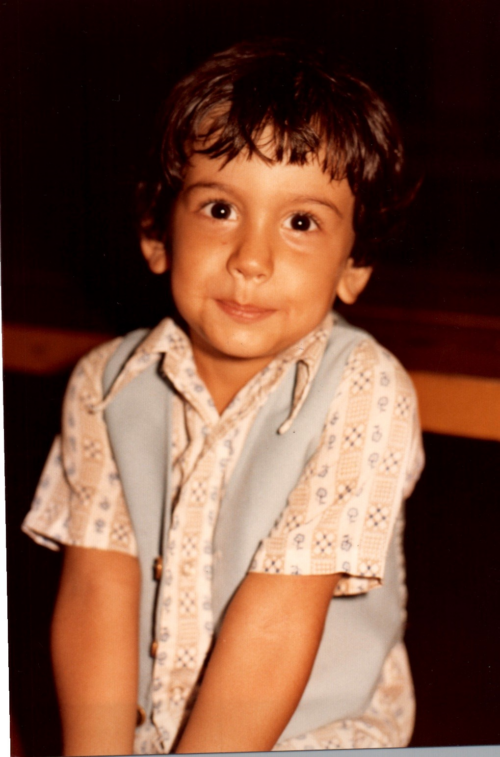
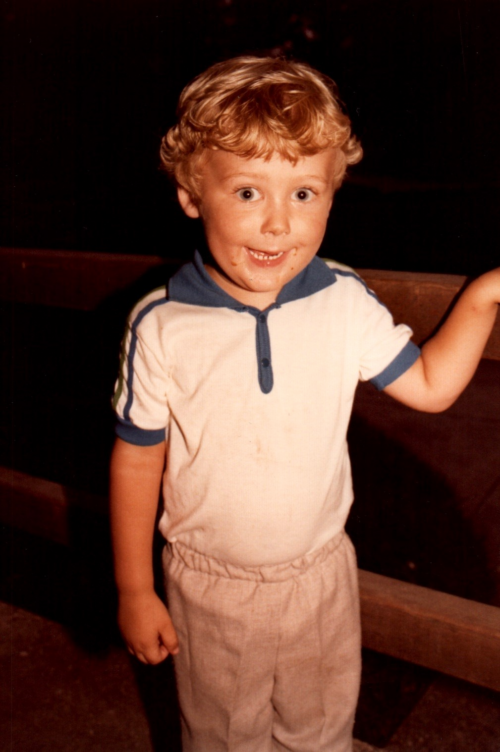
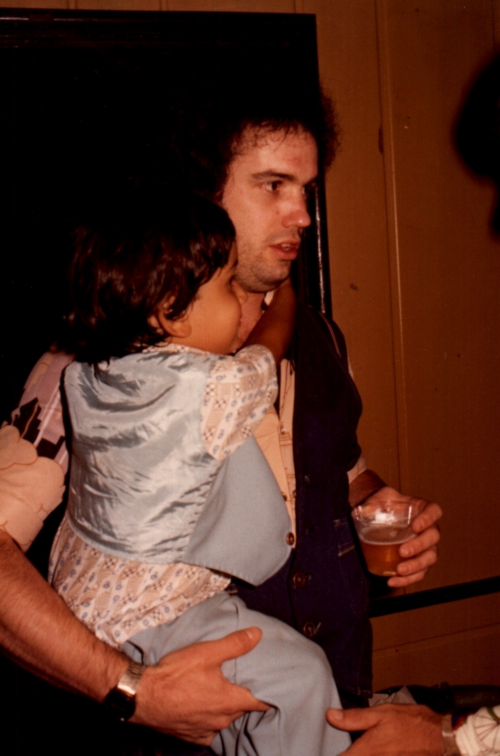
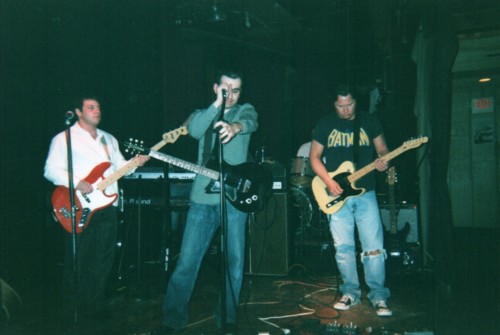
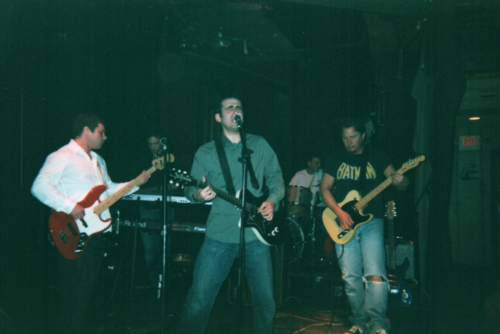
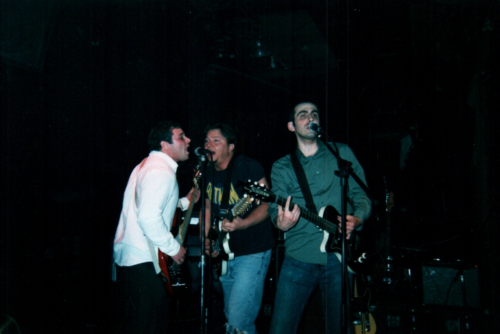
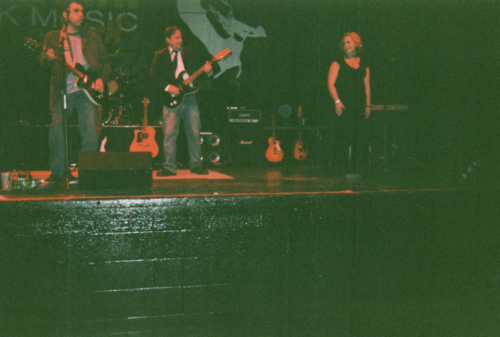
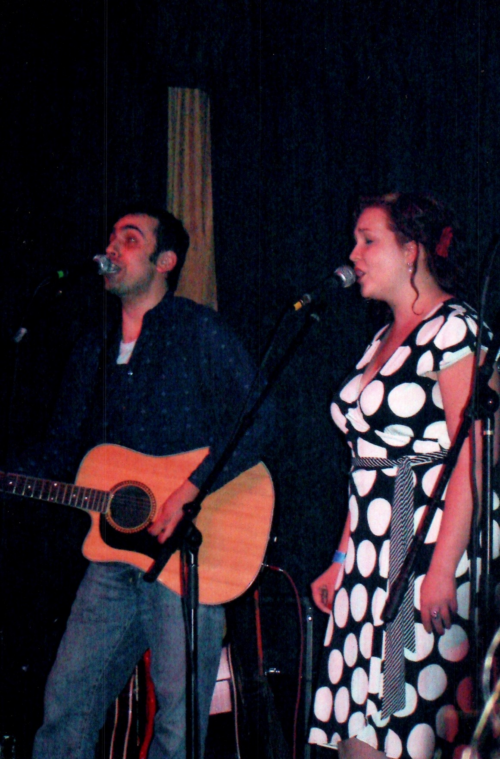
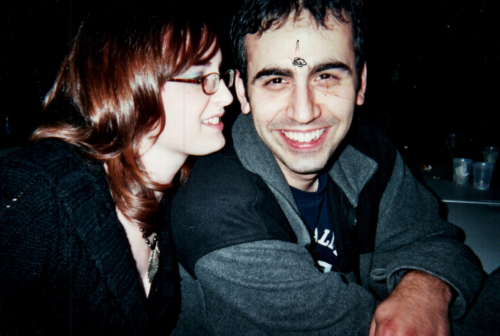
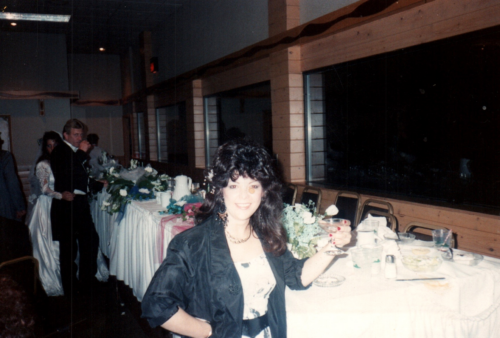
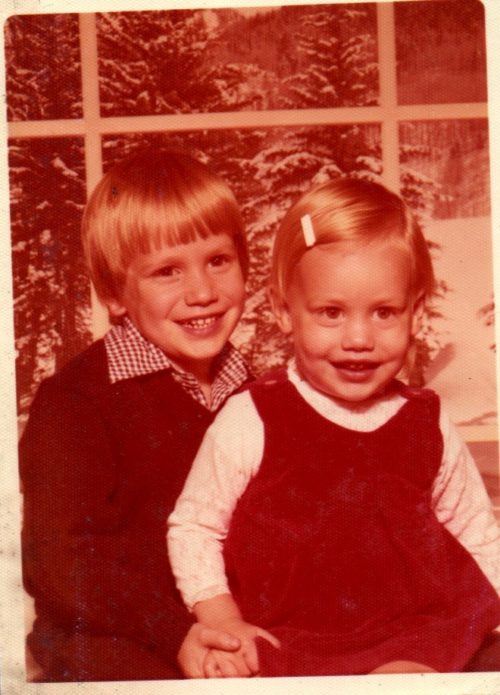
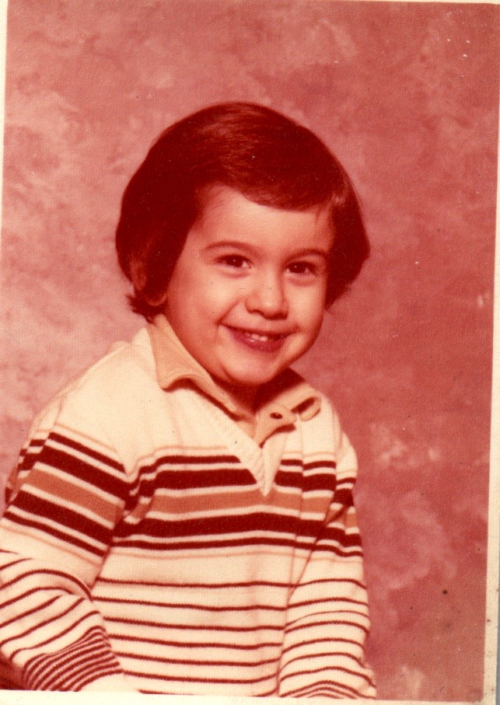
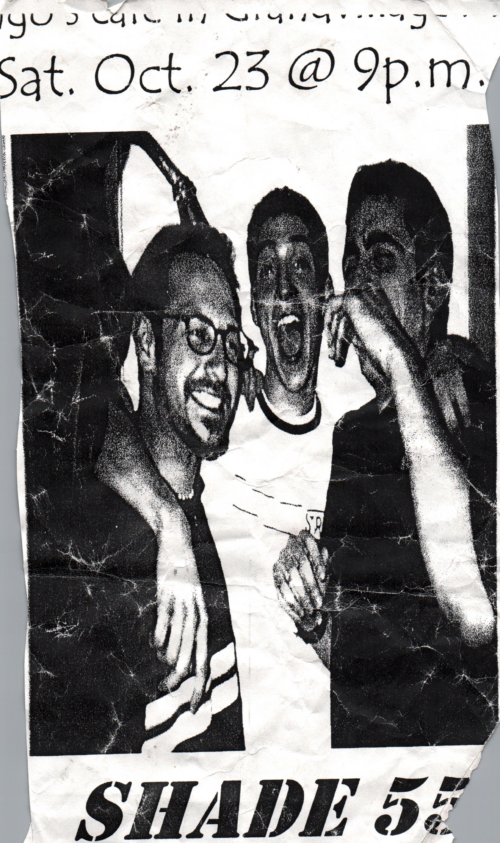
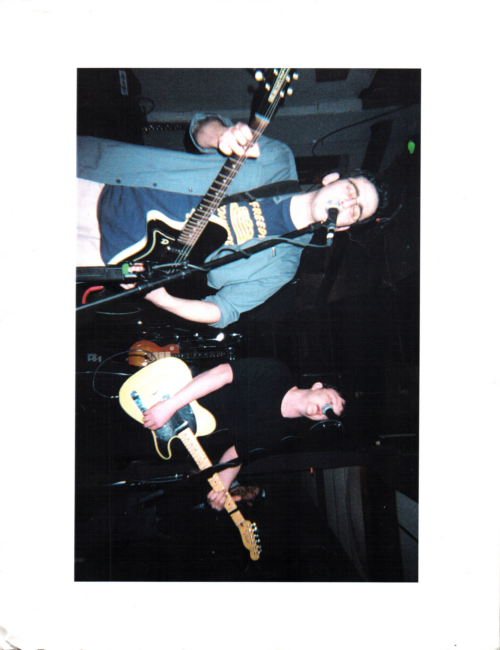
Click an image to make it bigger. Click anywhere to exit out of the image. Click the triangle/arrow to mark it as an image to use for the Spark CD (it will turn red). Click it agian if you want to remove it from consideration (it will loose the red color)